
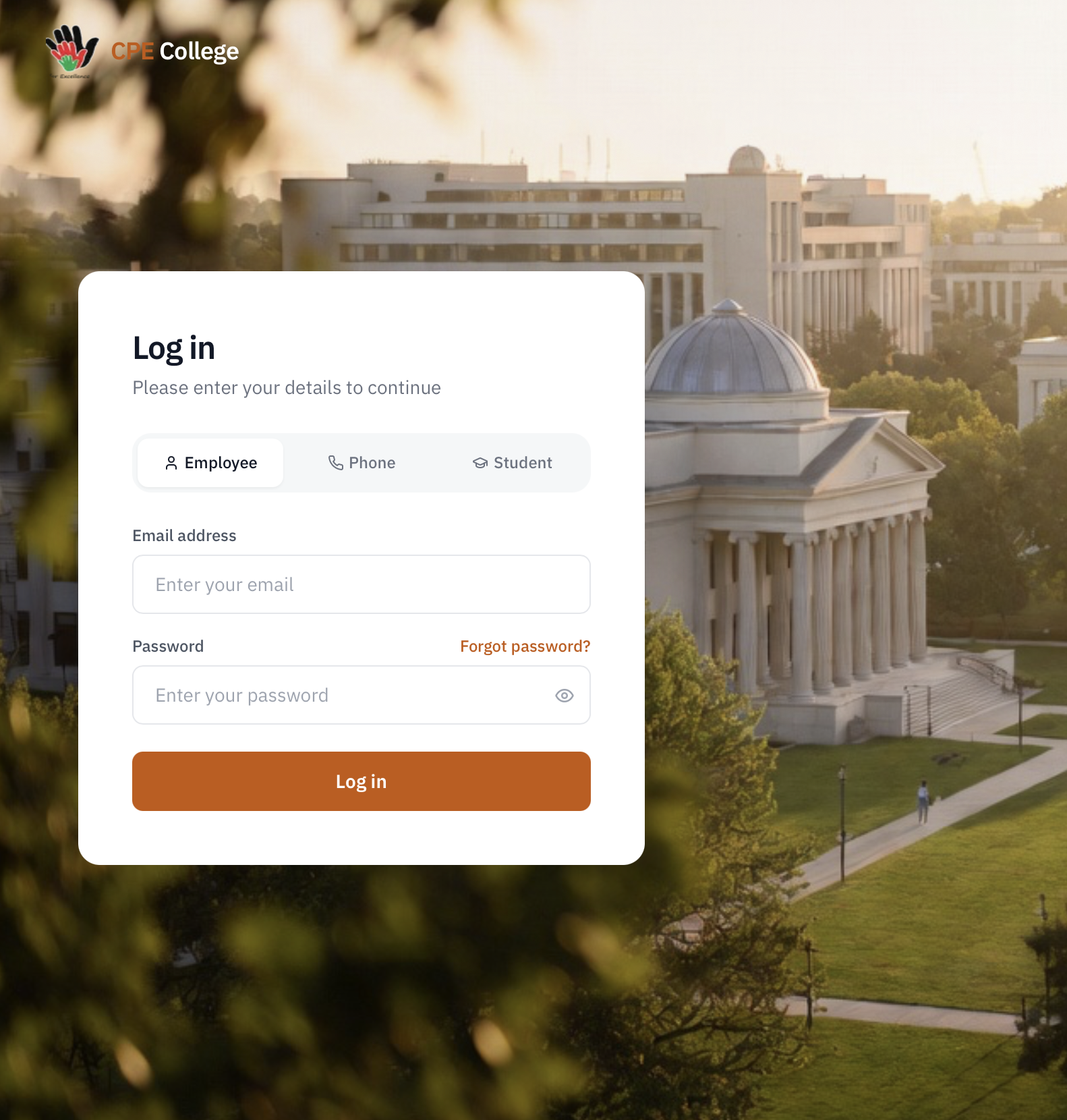
CPE College – College Management & ERP Portal
A complete college management portal handling multi-organization employee management, payroll, student admissions, examinations, and front-desk operations — all role-based.
- Multi-Organization Employee Management
- Employee Types & Attendance
- Leave Management
- Payroll Generation
A complete college management portal handling multi-organization employee management, payroll, student admissions, examinations, and front-desk operations — all role-based.
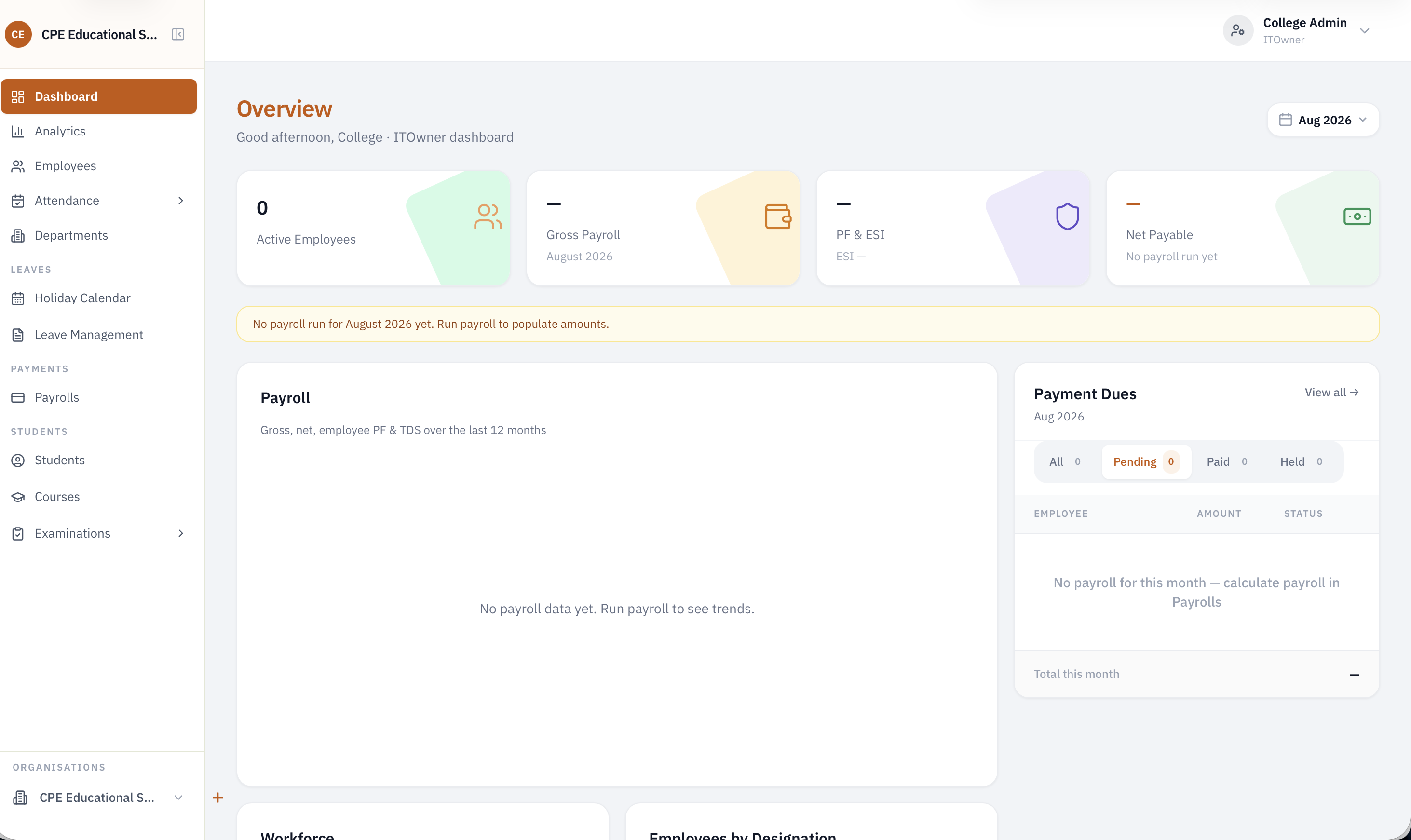
Multi-Organization Employee Management
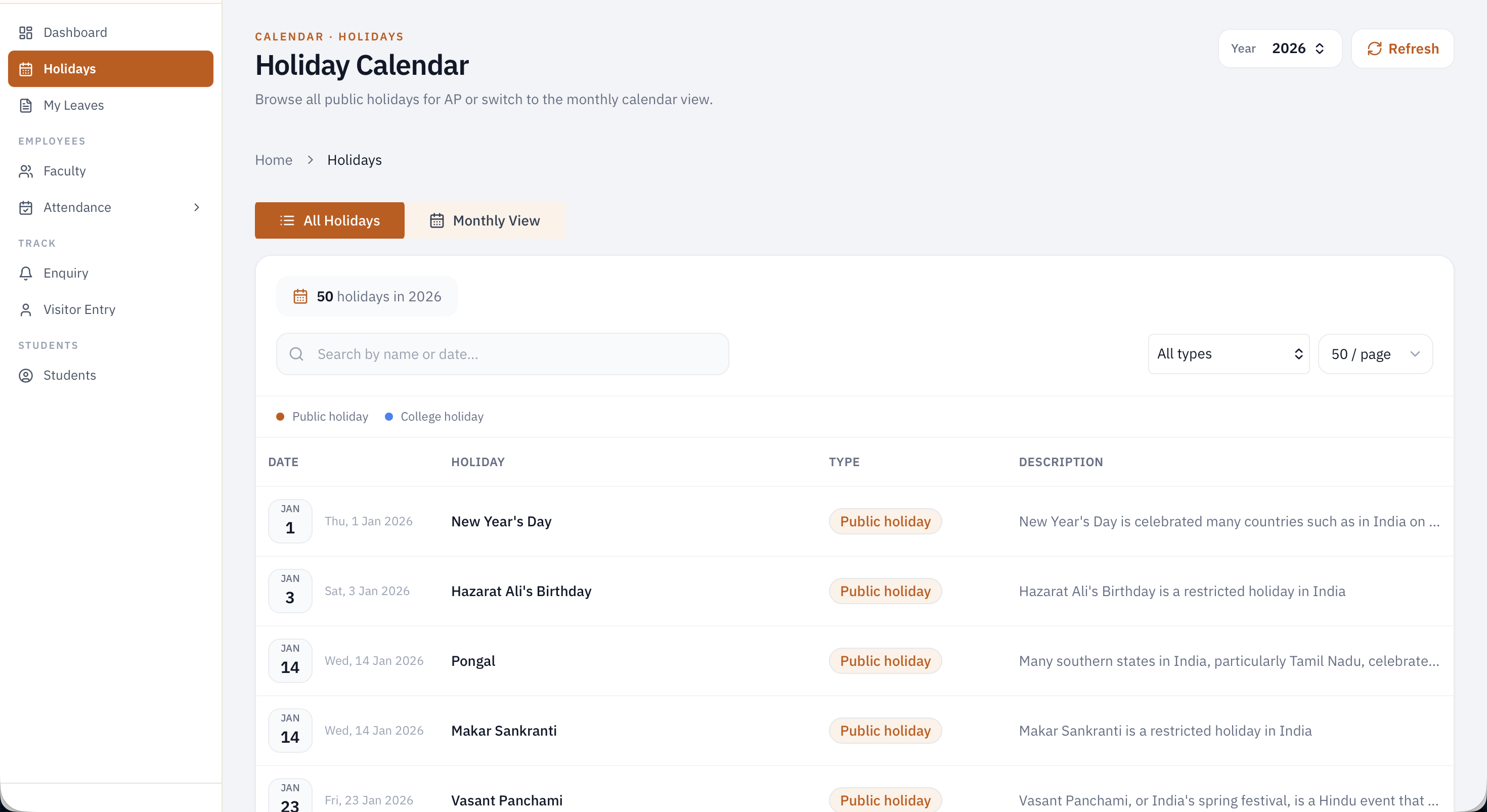
Add and manage employees across CPE's different affiliated organizations, with the ability to transfer employees between organizations as needed.
Employee Types & Attendance
Supports three employee types — Full-Time, Guest, and Contractual. Full-time employees have daily attendance tracking, while guest employees log the number of hours worked, which feeds directly into payroll calculation.
Leave Management
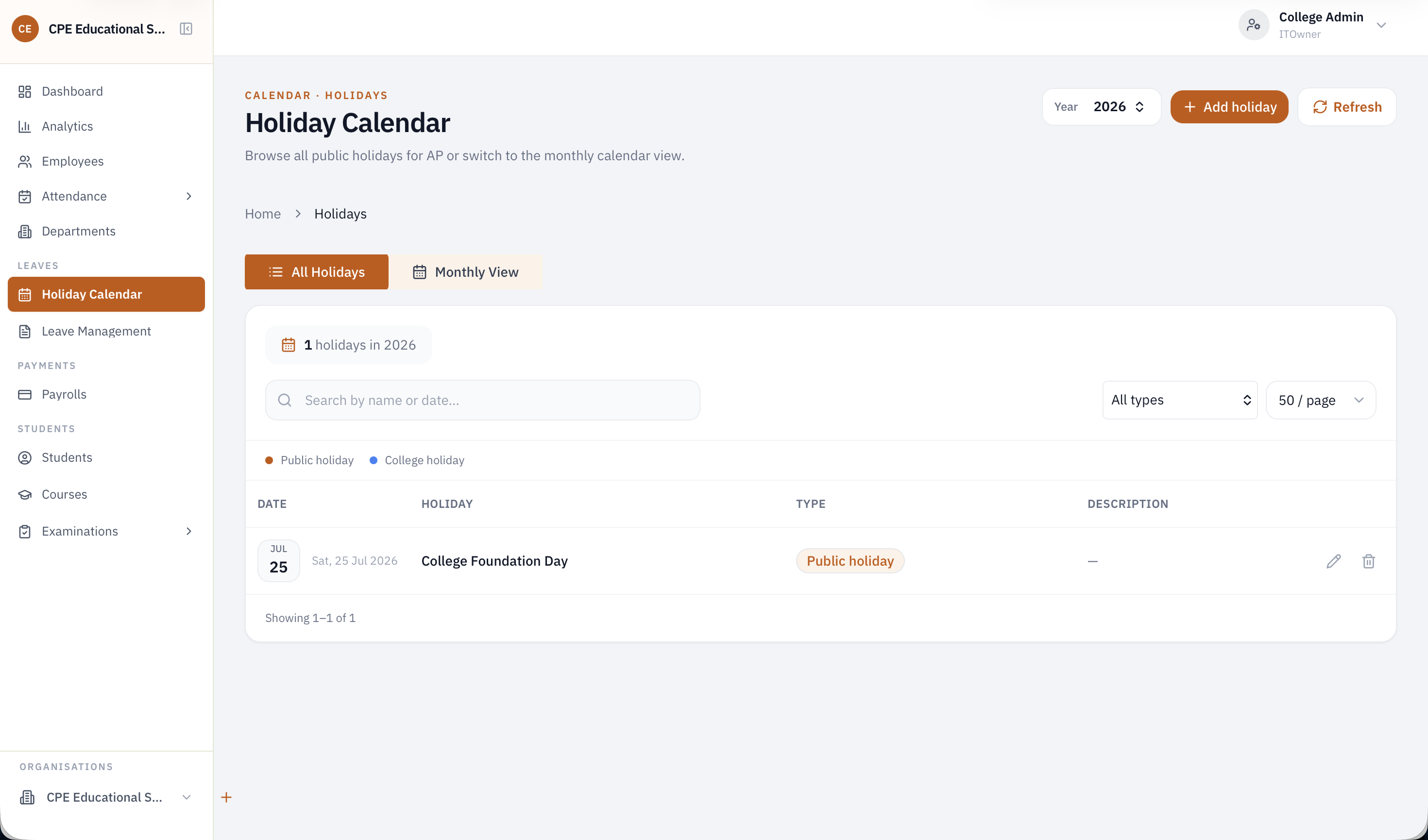
A dedicated leave management system lets employees apply for leave and lets Admins/Owner track and approve requests.
Payroll Generation
Automatically generates employee pay based on attendance (for full-time staff) or logged hours (for guest staff), streamlining the payroll process across employee types
Student Admissions & Course Management
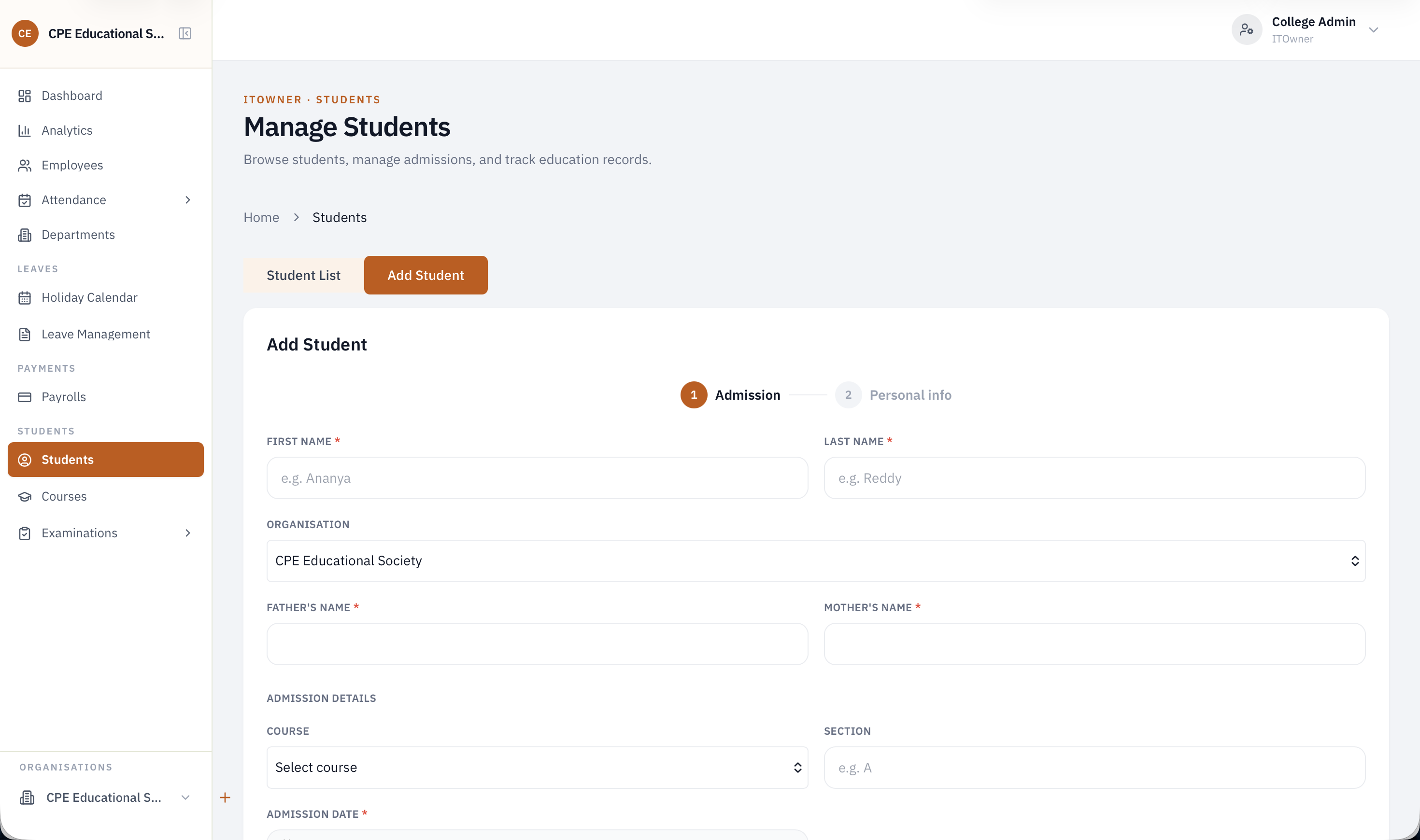
Add new students and enroll them into specific courses, keeping student records organized by course from day one.
Examination Management
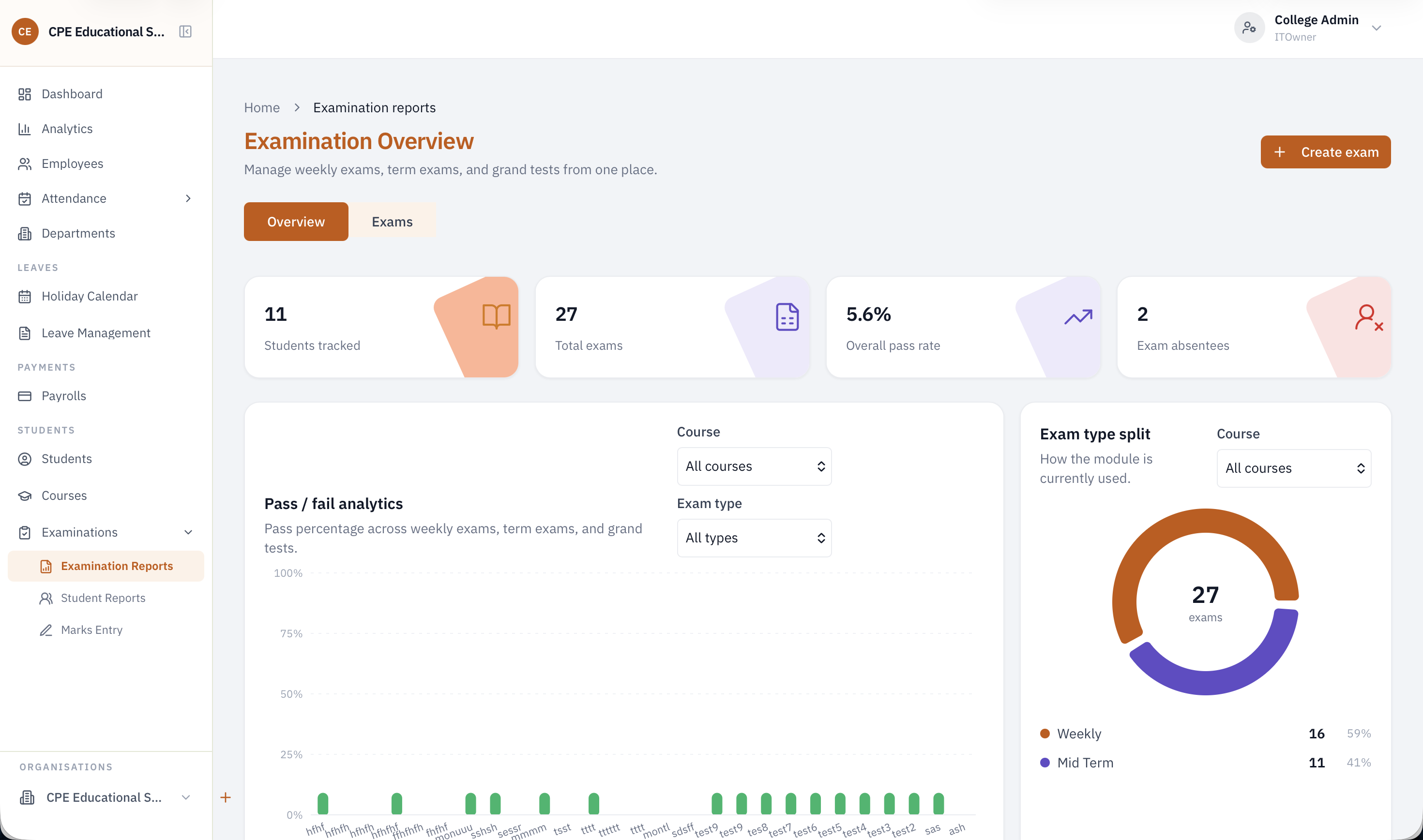
Conduct and manage multiple exam types — weekly, monthly, midterm, and grand tests — with the ability to enter student marks and generate performance reports.
Role-Based Dashboards
Five distinct roles power the portal — Owner, Admin, Staff/Faculty, Receptionist, and Admission — each with a tailored dashboard and permissions suited to their responsibilities.
Front Desk & Visitor Management
The receptionist role manages inquiry registers, the notice board, and visitor entries — including generating visitor slips and logging parent calls and walk-in queries.
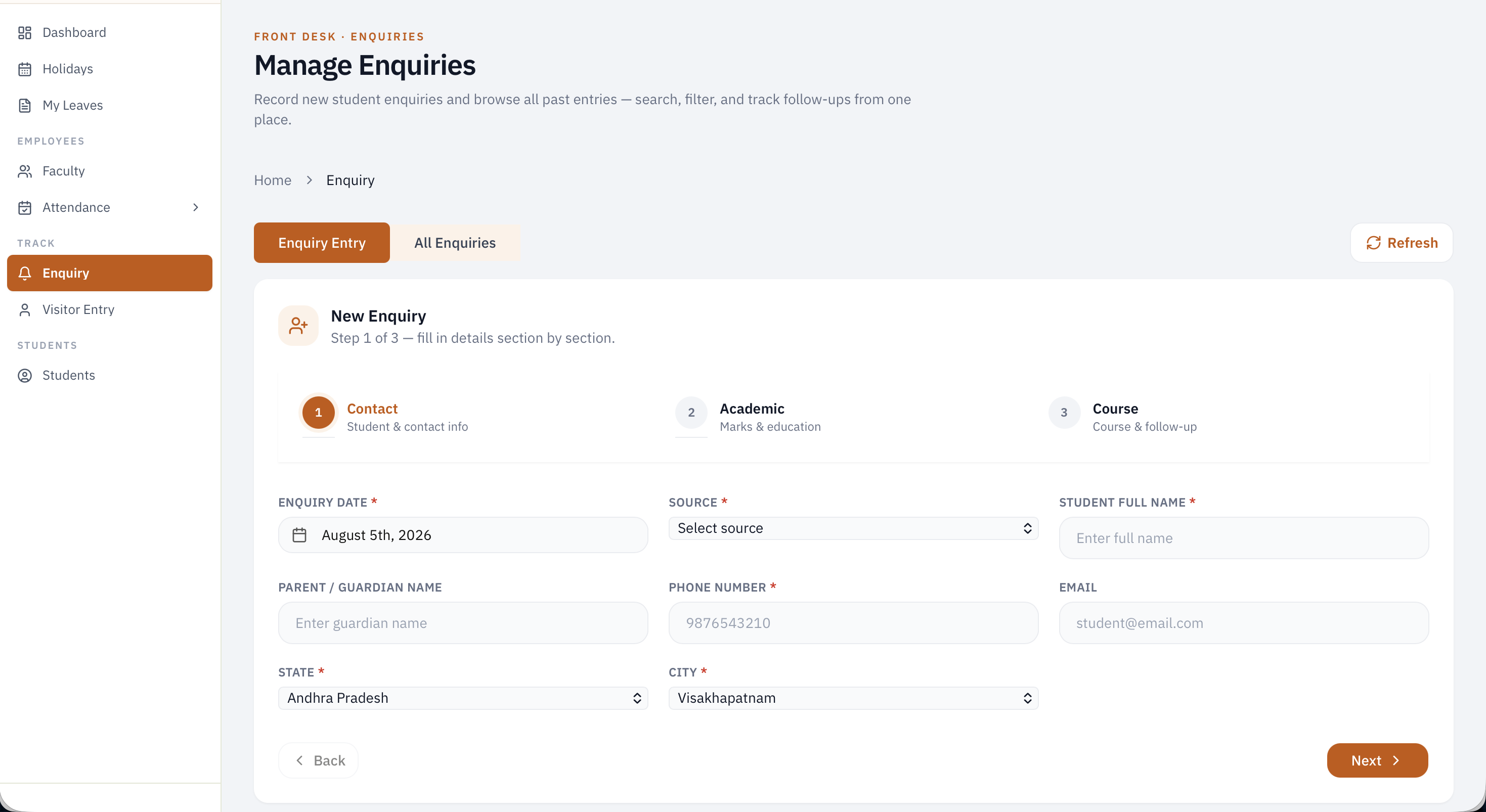
What is CPE College?
CPE College is a comprehensive college management portal built by Vadali Software to run the day-to-day administrative and academic operations of an educational institution. It handles everything from employee management and payroll across multiple organizations to student admissions, examinations, and front-desk visitor management — all through a single, role-based dashboard system.
The Problem We Solve
Colleges managing staff, students, and daily operations across multiple departments and organizations face real coordination challenges:
- Scattered Employee Records – Full-time, guest, and contractual staff data, along with attendance and transfers across organizations, is hard to track without a unified system.
- Manual Payroll Calculation – Calculating pay differently for full-time attendance vs. guest faculty logged hours is time-consuming and error-prone when done manually.
- No Centralized Student & Exam Tracking – Student records, course enrollment, and exam results (weekly, monthly, midterm, grand tests) end up spread across registers and spreadsheets.
- Front Desk Chaos – Visitor entries, parent inquiries, and notices are tracked informally, making it hard to maintain accountability at the reception level.
- Undefined Access Control – Without role-based access, sensitive functions like payroll or admissions can end up accessible to the wrong staff.
CPE College was built to bring all of this into one structured, role-based portal.
Who Is CPE College For?
- College Administrators – Managing employees, payroll, and operations across multiple affiliated organizations.
- HR Teams – Handling employee attendance, leave management, and staff transfers between organizations.
- Faculty & Staff – Marking attendance, logging hours, and managing student academic records.
- Admissions Teams – Enrolling new students into courses and managing admission workflows.
- Front Desk / Receptionists – Managing visitor entries, inquiries, and notice boards.
Interested in a similar build?
We scope, design, and ship production-grade software. Let's talk about your project.